




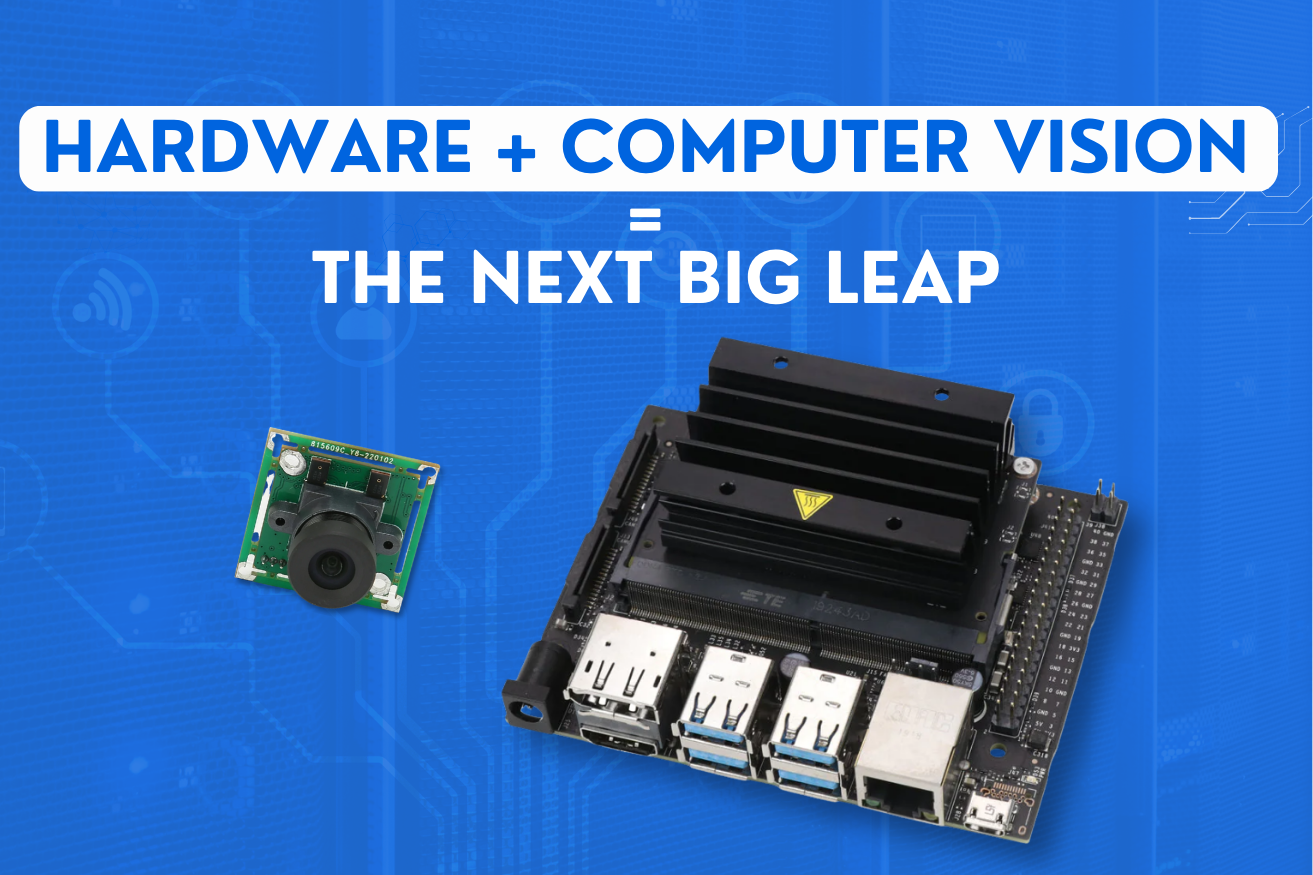
Computer vision has become remarkably easy to prototype. A pretrained model, a USB camera, and a laptop will get you a working detector in an afternoon. Turning that into a product that runs unattended on a wall for three years is an entirely different discipline.
The gap is hardware. Vision at the edge is constrained by optics, illumination, thermal limits, memory bandwidth, and power — constraints that simply do not exist when the model runs on a workstation with a discrete GPU.
This guide covers what actually matters when you put computer vision into an embedded product: how to choose the camera and the compute, how to hit a latency budget, and the production problems that separate a working demo from a deployable device.
Why Vision Moved Out of the Cloud
Sending video to a server and receiving results back is the simplest architecture available. It is also the wrong one for most physical products, for four independent reasons.
- Bandwidth. Continuous video from even a modest fleet is expensive to transmit and store, and almost all of it is uneventful.
- Latency. A round trip adds tens to hundreds of milliseconds. Anything that rejects a part, stops a conveyor, or guides a machine cannot afford it.
- Availability. A cloud-dependent inspection system stops inspecting during an outage, which is unacceptable in a production line.
- Privacy. In retail, healthcare, and workplace monitoring, transmitting raw images is often the whole problem. Processing locally and emitting only counts or events avoids it entirely.
The general pattern is that the image should be consumed where it is captured, and only the conclusion should travel — the same data reduction principle that governs any bandwidth-limited deployment, applied to the most bandwidth-hungry sensor there is.
Optics and Lighting Beat Model Choice
This is the single most consistently underestimated point in embedded vision. Teams spend weeks tuning a model to compensate for an image problem that a fifty-dollar lighting change would have eliminated.
A model can only work with the information present in the image. If the object is underexposed, motion-blurred, or out of focus, that information is gone, and no architecture recovers it.
If the answer is not visible in the image to a person, no model will find it reliably. Fix the image first.
Choosing the Hardware to Run Vision On
Edge vision compute spans four broad tiers. The right one follows from the task, the frame rate, and the power available — not from what is most capable.
| Tier | Typical capability | Power | Good fit |
|---|---|---|---|
| Microcontroller with DSP | Low-resolution classification, motion and presence detection | Milliwatts | Battery products, wake-word style triggers |
| MCU or MPU with NPU | Small detection and classification models at modest frame rates | Sub-watt to a few watts | Smart sensors, appliances, access control |
| Embedded SoC with GPU or dedicated accelerator | Real-time detection, segmentation, multi-stream | 5–30 W | Industrial inspection, robotics, retail analytics |
| Edge server or industrial PC | Multiple heavy models, many cameras | Tens to hundreds of watts | Centralised processing for a whole line or site |
Two practical warnings when reading vendor specifications. First, headline TOPS figures assume a specific quantisation and an ideal operator mix; real throughput on your model is often a fraction of it, so benchmark your own network before committing. Second, sustained performance is usually thermally limited — a module that hits its rated frame rate for thirty seconds may throttle substantially once it is inside a sealed enclosure in a warm room.
Working Backwards From a Latency Budget
Most embedded vision projects begin by choosing a model. It is more reliable to begin with the physics and let the model follow.
Establish the deadline
How long after an object appears must the decision exist? On a conveyor, this comes from belt speed and the distance between the camera and the actuator. That number is fixed by the process and is not negotiable.
Account for the whole pipeline, not just inference
Inference is frequently a minority of end-to-end latency. Sensor exposure and readout, transfer to memory, colour conversion and resizing, pre-processing, inference, post-processing such as non-maximum suppression, and the actuation signal all consume time. Measure each stage rather than assuming.
Set resolution from pixels on target
Determine the smallest feature that must be detected and how many pixels it needs to be reliably classified. That sets input resolution — which dominates compute cost far more than model depth does. Halving input resolution typically saves more time than switching to a lighter architecture.
Choose the model to fit the remaining budget
With the deadline, pipeline overhead, and resolution fixed, the compute available for inference is simply what is left. Select and optimise a model against that number instead of hoping hardware will absorb the difference.
Optimise for the specific accelerator
Quantisation to int8 typically delivers the largest single speedup, often with minimal accuracy loss when done with representative calibration data. Beyond that, ensure every operator in the graph is actually supported by the accelerator — a single unsupported layer can force a fallback to CPU and destroy the gain. These techniques are covered further in our guide to edge AI optimisation.
Validate under thermal load
Run the full pipeline continuously, in the real enclosure, at the maximum expected ambient temperature. Frame rates measured in the first minute on an open bench are not the frame rates the product will deliver.
What Breaks Between Prototype and Fleet
A vision system that works on one unit frequently degrades across a production run, for reasons that have nothing to do with the model.
Where Embedded Vision Delivers Clear Value
The strongest use cases share a common shape: a repetitive visual judgement, made frequently, where the decision must happen locally and quickly.
- Manufacturing inspection — surface defects, presence and absence checks, label verification, dimensional measurement
- Counting and flow — people, vehicles, or products, with only counts leaving the device rather than images
- Safety monitoring — protective equipment compliance, exclusion zone breaches, machine guarding
- Agriculture — crop and weed discrimination for targeted spraying, fruit ripeness, livestock condition
- Robotics and guidance — pick-point detection, obstacle avoidance, alignment
- Retail and logistics — shelf availability, package sorting, barcode and label reading in poor conditions
What these share is a bounded visual problem with a clear decision attached. Open-ended scene understanding remains difficult at the edge and is usually a sign the problem has not been narrowed enough yet.
Frequently Asked Questions
Conclusion
Embedded computer vision is genuinely one of the highest-value capabilities available in connected products, but the difficulty sits somewhere teams rarely expect. The model is usually the easiest part. The hard parts are optics, illumination, thermal behaviour, latency budgeting, and the slow optical drift that degrades accuracy months after installation.
Fix the image before tuning the network. Work backwards from a real deadline. Benchmark your own model on the actual hardware, in the actual enclosure. Plan for calibration, contamination, and model updates from the start. Those decisions, far more than the choice of architecture, determine whether vision AI survives contact with the physical world.