




Over-the-air updates are the single feature that decides whether a connected product can improve after it ships. Without them, the firmware you manufacture is the firmware that device runs for its entire life — every bug permanent, every security flaw unpatchable, every new feature requiring physical access to hardware that may be on a roof, in a field, or inside a customer’s wall.
With them, a fleet of ten thousand devices can be corrected overnight. The catch is that a failed update can also brick those ten thousand devices overnight, which is why OTA deserves more engineering care than almost any other subsystem.
This guide covers the types of OTA update, the mechanics of doing it safely, and the practices that separate an update system you can trust from one nobody dares to use.
What OTA Actually Buys You
- Security patching. Vulnerabilities are found in libraries and protocol stacks constantly. OTA is the only practical way to respond across a deployed fleet.
- Bug fixes without truck rolls. A site visit can cost more than the device itself, so remote fixes often decide whether a product is profitable.
- New capability on existing hardware. Better algorithms, new features, and improved models can be delivered to devices already in the field.
- Faster time to market. Teams can ship a solid core and refine behaviour once real-world data arrives, rather than trying to perfect everything before launch.
- Regulatory compliance. A growing number of markets expect connected products to be patchable for a defined support period.
Without OTA, the version you ship is the version you are stuck with. With bad OTA, the version you ship is the last one that worked.
Types of OTA Update
By what is being updated
- Full firmware image — the entire application is replaced. Simple and predictable, but the largest download.
- Delta or differential — only the difference between versions is sent, often cutting payload size dramatically. Essential on constrained radios, but requires the device to know exactly which version it is running.
- Configuration only — thresholds, intervals, and parameters. Tiny, low-risk, and able to change behaviour without a firmware release at all.
- Model updates — for devices running on-device inference, shipping a retrained model without touching application code.
- Bootloader updates — the most dangerous category, because a failure here usually cannot be recovered remotely. Avoid unless genuinely necessary.
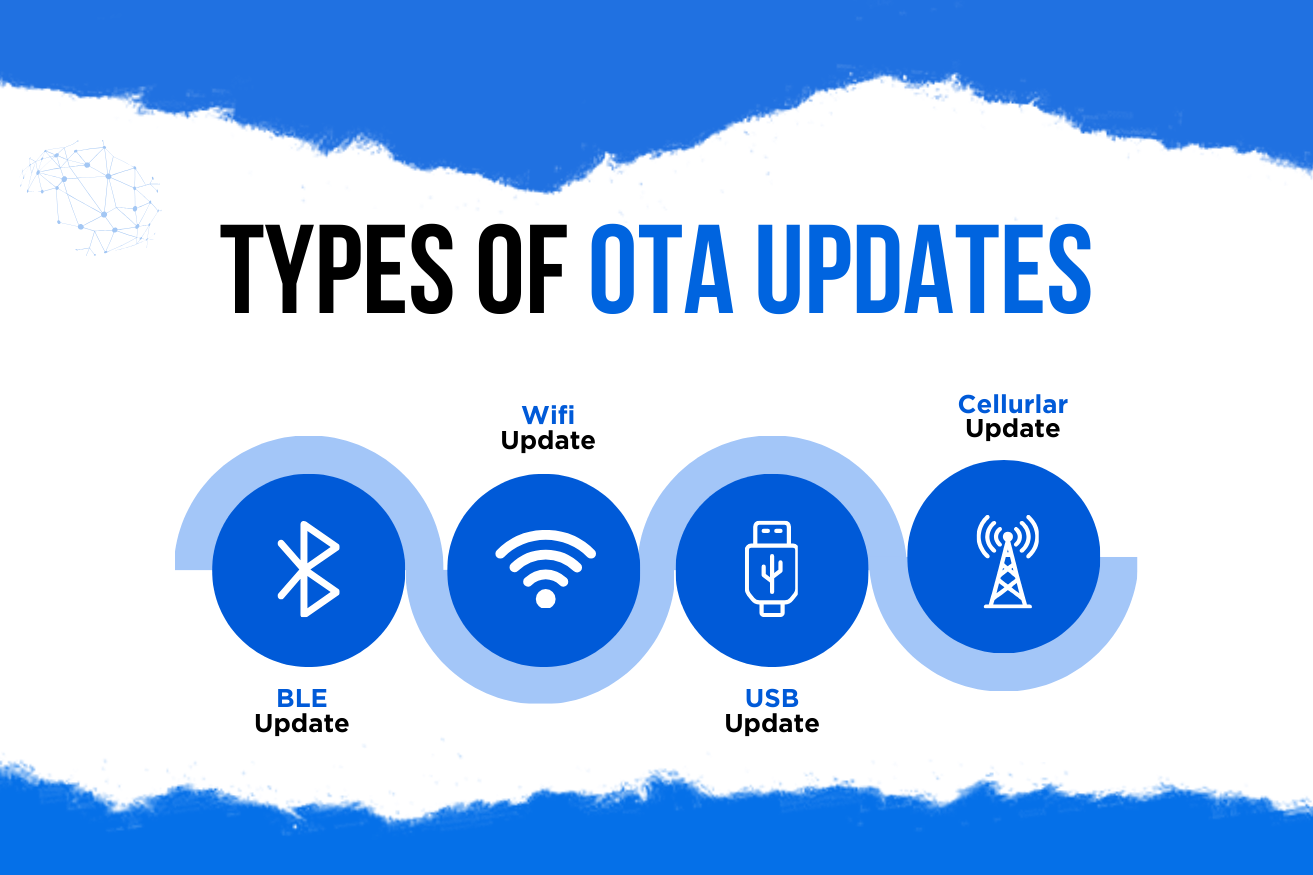
By transport
- Wi-Fi or Ethernet — plenty of bandwidth; full images are practical.
- Cellular (LTE-M, NB-IoT) — works anywhere with coverage, but data costs money, so delta updates matter.
- BLE — usually via a phone app acting as the bridge; fine for consumer products, slow for large images.
- LoRaWAN — severely bandwidth-limited and duty-cycle restricted. Firmware updates are painful; configuration updates are the realistic option.
- Gateway-mediated — the gateway downloads once and distributes locally, which is far more efficient for many devices on one site.
How a Safe OTA Update Works
The non-negotiable requirement is that a device must survive an update that fails at any point — power loss mid-write, a corrupted download, a bad image that boots and then crashes.
Dual-bank (A/B) flash layout
The device keeps two application slots. It runs from slot A while writing the new image into slot B, so the running system is never partially overwritten. If anything goes wrong, slot A is still intact.
This costs flash — roughly double the application size — which is exactly why update strategy must be decided before the microcontroller is chosen.
Verify before switching
Once downloaded, the image is checked for integrity with a cryptographic hash and for authenticity with a signature. Only then does the bootloader mark the new slot as the one to boot.
Signature verification is what stops an attacker from pushing their own firmware, which would otherwise be the most complete compromise possible for a connected device.
Boot with a confirmation window
The first boot of a new image is provisional. The firmware must actively confirm success — typically by connecting to the platform and marking itself healthy. If it does not confirm within a watchdog window, the bootloader automatically reverts to the previous slot.
This single mechanism prevents the worst OTA outcome: an image that installs correctly but cannot reach the network, leaving devices alive but unreachable forever.
Resume rather than restart
Devices lose connectivity mid-download routinely. The transfer must resume from where it stopped rather than beginning again, or devices on poor links will never complete an update at all.
Deploying to a Fleet Without Breaking It
Securing the Update Path
OTA is the most sensitive capability a device has: it is, by design, remote code execution. Treat it accordingly.
- Sign every image and verify the signature on-device before boot, with the public key stored in immutable memory.
- Use TLS with proper certificate validation for the download; accepting any certificate is a common and serious shortcut.
- Prevent downgrades with a monotonic version counter, so an attacker cannot force a device back to a vulnerable release.
- Give each device its own identity so updates can be targeted and a single compromised unit cannot authorise fleet-wide changes.
- Protect the signing keys in an HSM or equivalent. Whoever holds them effectively owns every device you have shipped.
These controls are inseparable from the wider question of IoT device security — an update mechanism without them is a vulnerability rather than a feature.
Frequently Asked Questions
Conclusion
OTA is what turns a finished device into a product that can keep improving. It is also the mechanism most capable of destroying a fleet, so the engineering standard has to be higher than for anything else on the device.
Plan the flash layout before choosing the microcontroller. Sign and verify every image. Make the first boot provisional with automatic rollback. Roll out in waves with automatic halt conditions. And test the rollback path deliberately — because the update you will most need to trust is the one you push at two in the morning to fix something urgent.